
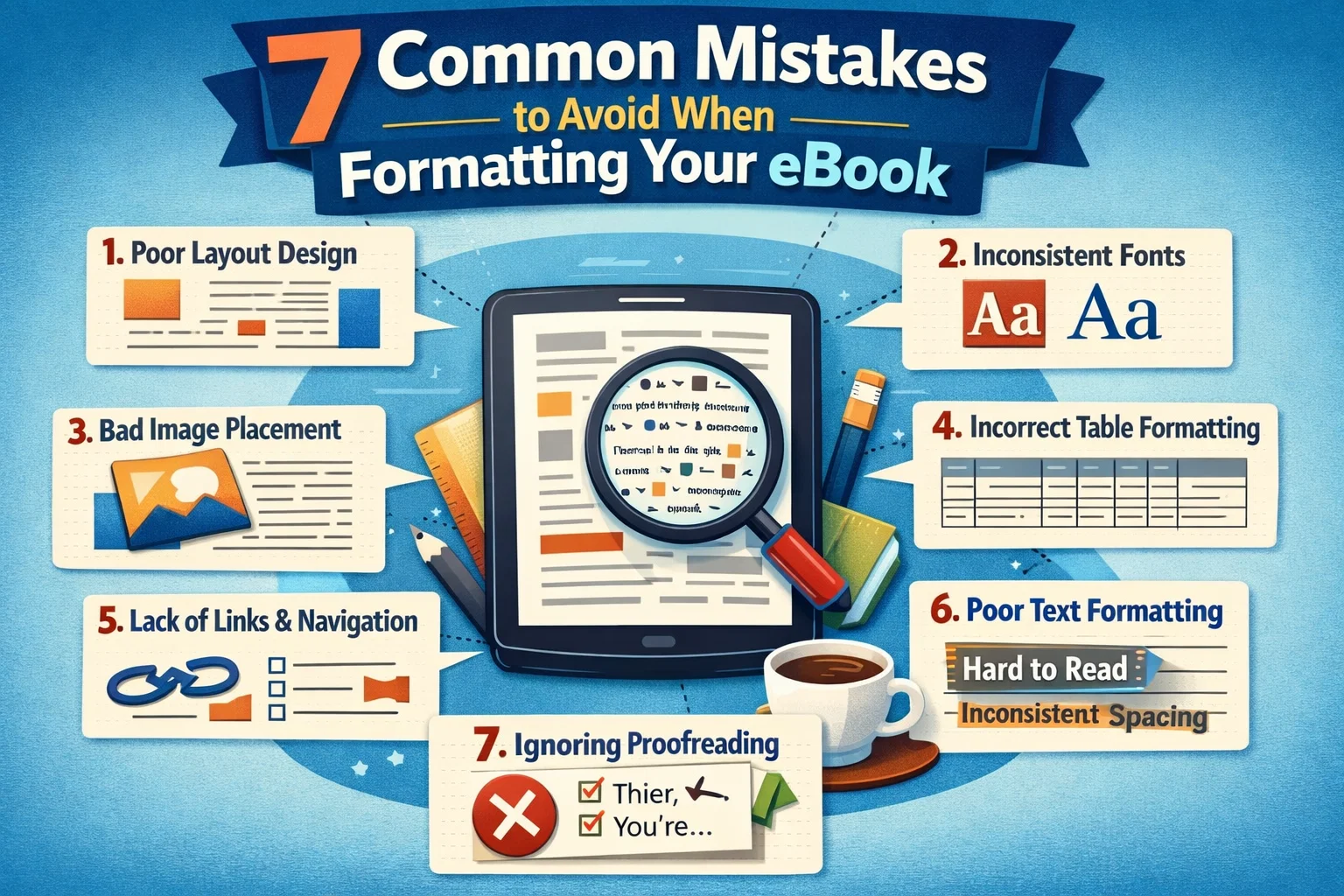
eBook formatting is a crucial step in the publishing process that often gets overlooked by many authors, especially first-timers. While writing your manuscript and crafting a compelling story is essential, the presentation of your book is just as important. Poor formatting can negatively impact the reader’s experience, leading to negative reviews, low engagement, and even return requests.
Whether you’re self-publishing on platforms like Amazon KDP, Barnes & Noble, or Apple Books, proper eBook formatting is a must. In this blog, we’ll cover 7 common formatting mistakes that you should avoid to ensure your book looks polished and professional on all digital platforms.
1. Not Using the Correct File Format
One of the first mistakes authors make is submitting their eBook in the wrong file format. Different platforms require different formats, and not using the correct one can lead to issues with uploading or display problems.
What You Need to Know:
- Amazon KDP accepts MOBI and EPUB files, but it’s best to upload a .doc or .docx file and let Amazon convert it for you.
- Apple Books and Barnes & Noble use EPUB files.
- PDF files are not ideal for eBooks, as they are formatted for print and don’t adjust to different screen sizes.
The Solution:
Always ensure that your eBook is formatted in the right file type, typically EPUB for universal distribution and MOBI for Amazon. If you’re unsure, use an eBook formatting service to get it right.
2. Inconsistent Font Choices and Size
Fonts are a key element of any book’s readability, but when it comes to eBooks, consistency is critical. Choosing multiple fonts or inconsistent font sizes can lead to an unpleasant reading experience, especially when readers are adjusting text settings.
What You Need to Know:
- Stick to simple fonts such as Georgia, Times New Roman, or Arial, which are universally supported across different devices.
- Avoid excessive use of bold, italics, and underlining, as this can make the text feel cluttered.
The Solution:
Use one or two fonts throughout your book and make sure they’re easy to read on various devices. Opt for 12-point font size for body text and 16-18-point size for headings.
3. Forgetting About a Clickable Table of Contents
A Table of Contents (TOC) is essential for any eBook. Without it, readers will struggle to navigate your book, especially if it’s longer or has multiple sections. This is one of the most common reasons readers abandon eBooks.
What You Need to Know:
- eBooks should have a clickable TOC that allows readers to jump to specific chapters or sections with ease.
- In non-fiction books, having clickable links to subsections is also useful.
The Solution:
Ensure that your Table of Contents is interactive and links directly to the chapters. If you’re using platforms like Amazon KDP or Apple Books, use their respective tools to add clickable TOC features.
4. Poor Image Optimization
Images are a great way to add visual appeal to your eBook, but unoptimized images can make the file size unnecessarily large and cause display issues. This can lead to slow downloads, delayed page loads, or poor quality when resized.
What You Need to Know:
- High-resolution images (300 dpi) are typically required for print, but eBooks only need 72 dpi to maintain quality and fast load times.
- Large image files can increase your eBook’s file size, making it harder for readers to download, especially on mobile devices.
The Solution:
Resize and compress your images before adding them to the eBook file. Use JPEG or PNG formats for images and ensure they’re optimized for digital use. Aim for an appropriate resolution of 72 dpi to ensure fast load times.
5. Ignoring Proper Chapter Breaks
One of the most common mistakes is not properly defining where one chapter ends and another begins. This can result in a disjointed reading experience.
What You Need to Know:
- eBook platforms require clear, consistent chapter breaks.
- Without proper breaks, the eBook might appear to have long, uninterrupted blocks of text, which can feel overwhelming to the reader.
The Solution:
Ensure every chapter starts on a new page, and use proper headings to indicate chapter titles. Adding a page break at the end of each chapter will help separate content neatly and allow readers to flow through your book more naturally.
6. Overcrowding Pages with Text
One of the pitfalls of self-publishing is trying to cram as much content as possible into one page. This might seem like a good idea to save space, but it makes the eBook harder to read and visually unappealing.
What You Need to Know:
- Line spacing and margins are crucial in formatting. Tight spacing and narrow margins make the text hard to follow, especially on smaller screens.
- Readers need space to breathe between paragraphs and sections.
The Solution:
Use 1.5x line spacing and give your text generous margins. Use white space effectively to improve readability and make the eBook feel welcoming to readers.
7. Failing to Test Across Multiple Devices
One of the biggest issues with eBook formatting is that what looks great on one device might look terrible on another. eBooks need to be compatible with various devices—Kindle, iPad, smartphones, and other tablets. Many self-published authors skip the critical step of testing their eBook across multiple devices.
What You Need to Know:
- eBook formatting doesn’t just depend on the writing, it depends on how it appears across all devices.
- Kindle and Nook devices display eBooks differently than mobile phones or tablets.
The Solution:
Always test your eBook on multiple platforms, including Amazon’s Kindle Previewer, Apple’s iBooks, and other devices, to ensure consistency in layout and presentation. Make sure all links, fonts, and images display properly.
Conclusion: How Proper Formatting Makes a Difference
Proper eBook formatting can be the difference between a book that sells well and one that gets forgotten. While writing quality is paramount, how your eBook appears to readers is equally important. Clean formatting enhances readability, user experience, and long-term engagement, which ultimately leads to better reviews and sales.
At Book Planets, we specialize in providing professional eBook formatting services. Whether you’re self-publishing on Amazon KDP, Barnes & Noble, or another platform, our team ensures your book meets industry standards for formatting, layout, and presentation. Contact us today to give your book the professional presentation it deserves!
Frequently Asked Questions (FAQs)
1. How important is formatting for eBook success?
Formatting is essential for reader engagement. Poor formatting can lead to higher drop-off rates, lower reader retention, and negative reviews.
2. Can I format my eBook myself?
Yes, but it requires a good understanding of formatting tools and eBook publishing standards. If you’re unsure, hiring a professional formatter ensures your book looks polished.
3. What file format should I use for eBook formatting?
The most common formats are EPUB (for most platforms) and MOBI (for Amazon Kindle). Professional services can help you convert your file to the right format.
4. Can poor formatting affect my sales?
Absolutely. Poor formatting often leads to negative reviews and returns, which affect visibility and long-term sales.
5. How can I test my eBook before publishing?
You can use Amazon’s Kindle Previewer, Apple’s iBooks, and other eBook reading apps to preview your book on multiple devices and ensure the layout displays correctly.
6. Does eBook formatting affect the Kindle algorithm?
Yes. Proper formatting helps ensure read-through rates, which influence Amazon’s Kindle algorithm and ranking.
7. How much does professional eBook formatting cost?
Prices vary, but professional eBook formatting typically ranges from $50 to $200, depending on the complexity and length of your book.
8. What’s the difference between eBook formatting and print formatting?
eBook formatting is fluid and adaptable to various devices, while print formatting is fixed and designed for physical pages.
9. Can I add images to my eBook?
Yes, but they must be properly formatted and optimized to ensure they scale across devices and don’t slow down your file.
10. Do I need a Table of Contents in my eBook?
Yes, a clickable Table of Contents is essential for ease of navigation, especially for non-fiction books or books with multiple sections.